

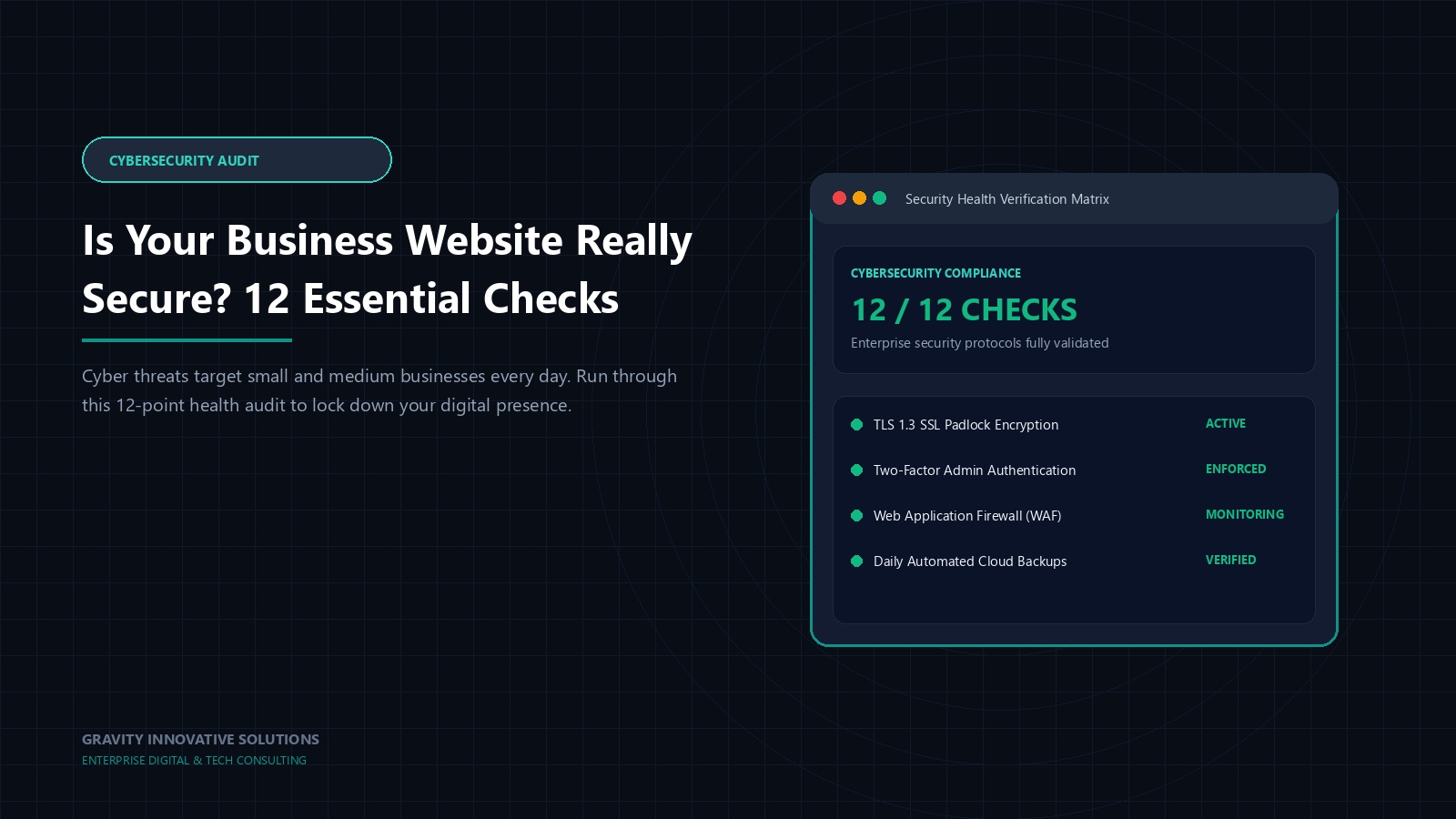
Ask most business owners whether their website is secure, and you'll get a confident "yes." Ask what, specifically, makes it secure, and the confidence usually fades fast. That gap — between feeling secure and actually being able to point to the reasons why — is where most real risk hides. It's not that business owners are careless; it's that nobody ever handed them a concrete list to check against. Security has largely been left to assumption.
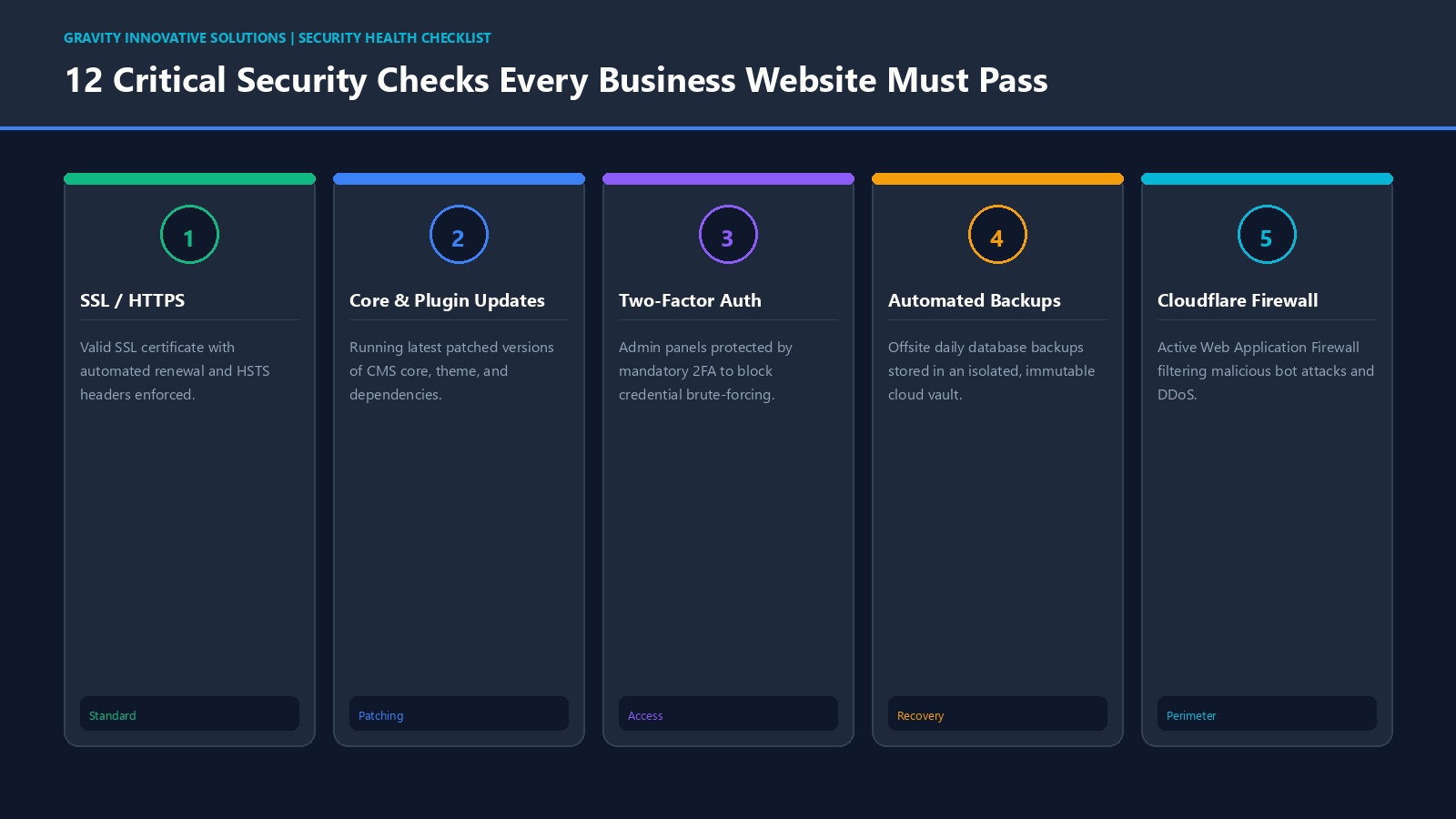
This article is that concrete list. Twelve specific, practical checks you can work through for your own website, in plain language, without needing to be technical. Some you can verify yourself in a few minutes. Others are worth asking your developer or hosting provider about directly. Either way, by the end you'll know — not assume — where your website actually stands.
"I think it's fine" is not a security posture. A checklist forces specificity: either the SSL certificate is valid and you can point to when it renews, or it isn't and you can't. Either backups exist and have been tested, or they haven't. This kind of concrete review is what separates businesses that catch problems early from those that only discover gaps after something has already gone wrong.
It's also worth remembering that most website compromises aren't the work of someone specifically targeting your business — they're automated scans exploiting common, known weaknesses. That means the items on this list aren't exotic enterprise concerns; they're the basics that make the difference between an easy target and a harder one.
One more thing worth saying plainly: none of the 12 checks below require you to become a security expert. Each one is something you can either confirm directly or ask a specific, pointed question about. The goal of this list isn't to turn a business owner into a technician — it's to replace a vague sense of "we're probably fine" with a short, honest list of specific yes-or-no answers.
Your website address should load with "https" and a padlock icon, not a browser warning. This encrypts data passed between your visitor's browser and your server, and it's expected by default by modern browsers and search engines. Check: does it show a warning on any page, including checkout or contact forms?
Outdated CMS core files, themes and plugins are among the most common entry points for automated attacks, because known fixes exist but simply haven't been applied yet. Check: do you know, specifically, when these were last updated?
Shared, reused or simple passwords on admin accounts remain one of the easiest ways in. Check: does every person with admin access use a strong, unique password, not a variation of the same one everyone remembers?
Adding a second verification step beyond a password — a code sent to a phone or app — significantly raises the effort needed to break into an account, even if a password is somehow guessed or leaked. Check: is this enabled on every admin-level login, not just one?
A backup you've never tried to restore is a backup you can't be sure works. Check: is there a backup from within the last week, and has anyone actually restored one, even as a test?
A web application firewall filters out obviously malicious traffic before it reaches your site, acting as a general first line of defence against common automated attacks. Check: is any firewall or protective layer active in front of your website?
Regular scanning helps catch malicious code or unauthorised changes early, rather than waiting for a customer to notice something is wrong. Check: is any scanning in place, and who actually reviews the results?
Every person with admin or editor access is a potential point of failure. Check: does every account still in use belong to someone who genuinely needs that level of access today — including former staff or old freelancer logins that may never have been removed?
The server environment underneath your website affects how well it can be protected and how quickly issues are caught. Check: does your hosting provider offer monitoring and support beyond simply keeping the server switched on? Our web hosting services page covers what this looks like in practice.
Contact forms, search boxes and login fields are common targets for automated attempts to inject malicious code or spam. Check: do your forms reject unexpected or malformed input rather than accepting anything typed into them?
Unusual errors are often the earliest visible sign that something is wrong, before an outage or a visible compromise. Check: is anyone actually notified when the site throws repeated errors, or does this go unnoticed until a visitor complains?
Even a simple document — who to contact, where backups live, what to check first — saves real time during an actual incident, when confusion is usually the biggest reason recovery drags on. Check: does this exist anywhere in writing, or only in someone's head?
Notice that none of these 12 checks are about exotic enterprise-grade tools. They're ordinary, well-understood practices that most businesses simply never got around to formally reviewing. That's good news in one sense — fixing most of these doesn't require a large project, just a deliberate pass through the list with honest answers.
Consider a hypothetical professional services firm that scores well on most of these checks — valid SSL, decent hosting, regular updates — but has never actually reviewed who holds admin access. Over several years, three different freelancers and a former employee were each given full admin logins for one project or another, and none were ever removed. Nothing goes wrong for a long time, until one of those old, forgotten accounts is compromised through a password reused elsewhere by its original owner, completely unrelated to the business itself.

The firm had done most things right. The one check it skipped — reviewing who still has access — turned out to be the one that mattered. This is exactly why going through the full list matters more than feeling generally confident about security.
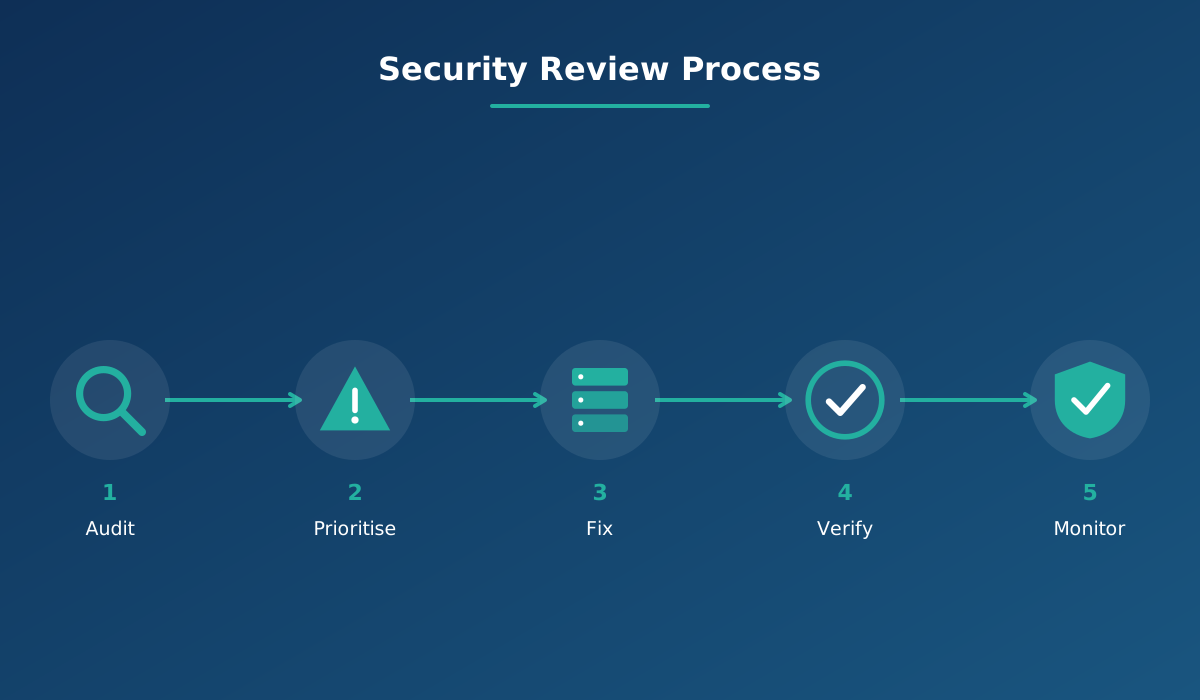
A checklist is only useful if it's actually repeated. Treat this as a cycle: audit against all 12 points, prioritise whichever gaps carry the most risk, fix those first, verify the fix actually worked, then keep monitoring until the next review. Businesses that treat security this way tend to catch small issues while they're still small — the difference between a routine update and an emergency.
It's worth deciding, in advance, who actually owns this cycle. In a small business that might simply be the owner setting a recurring reminder with their developer or hosting provider. In a larger team, it might be a specific person's responsibility, written down rather than assumed. Either way, a review that depends on "someone probably remembering" tends to quietly stop happening within a year.
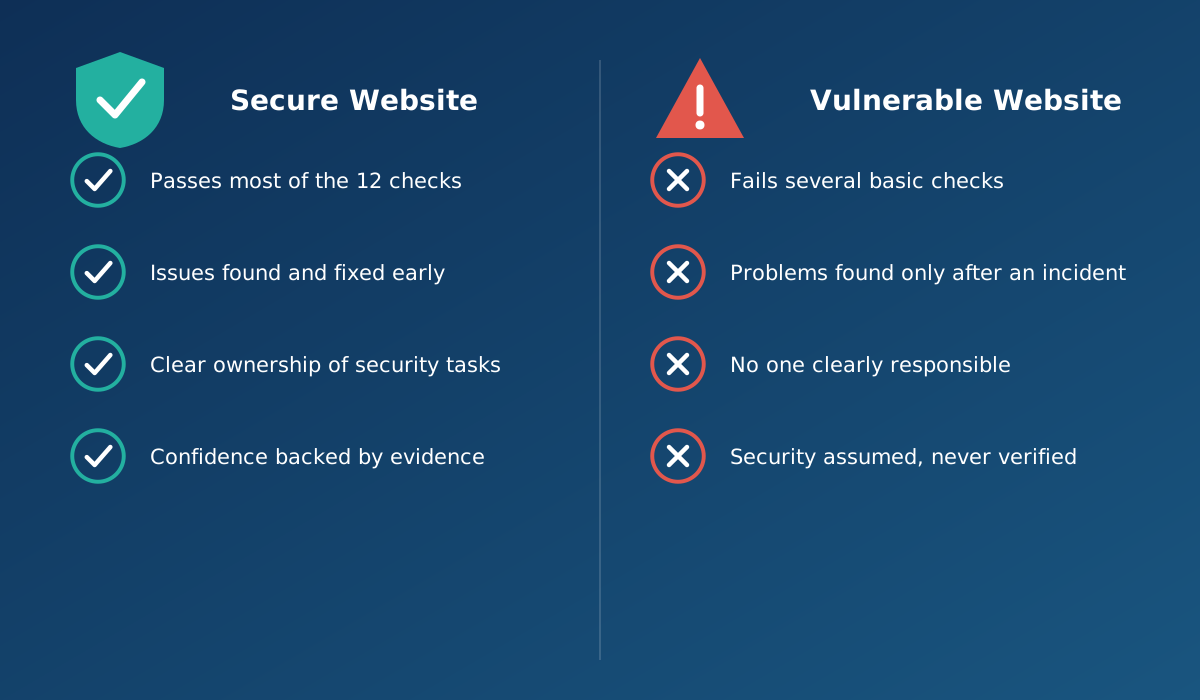
Working through 12 checks takes a modest amount of time now. Recovering from an incident that one of them would have prevented almost always takes longer and costs more — in cleanup time, lost enquiries, and the slower work of rebuilding customer trust. We look at that side of the equation in more detail in what happens when your website goes down or gets hacked, and in how these risks quietly show up as hidden maintenance costs over time.
If you're evaluating a developer, agency or hosting provider, ask them to walk through these 12 points specifically rather than accepting a general "yes, we handle security." A partner who can speak concretely about updates, backups, access control and monitoring is a very different proposition from one offering vague reassurance, and the difference usually becomes obvious the moment you ask for specifics instead of reassurance.
Your website should do more than simply exist online. It should build trust, attract the right audience and support your business goals.
Discuss Your ProjectRelated reading: Is your website really safe from hackers? · What happens when your website goes down or gets hacked · Are hidden maintenance costs increasing your expenses?
Security is a matter of degree rather than a pass/fail certificate. Passing most checks and actively working on the rest puts you in a far stronger position than a site where none of these have ever been reviewed. Treat the list as a prioritised improvement plan, not an exam.
As a general starting point, keeping software updated, having a tested recent backup, and using strong unique admin passwords address some of the most common real-world causes of website compromise. From there, work through the remaining checks as time and budget allow.
Several checks, like confirming your SSL certificate is valid or checking when plugins were last updated, can be reviewed by most business owners. Others, like malware scanning, access logs, or input validation, are easier to verify with the help of whoever manages your website.
As a general practice, a full review every few months is reasonable for most small business websites, with ongoing monitoring (updates, backups, scanning) happening continuously in between rather than only during the periodic review.
The underlying principles apply broadly, whether your site runs on a popular CMS, a custom-built platform, or an ecommerce system. The specific steps to check each item may differ slightly depending on your platform, but the categories of risk are the same.
Yes. Even a simple written plan — who to contact, where backups are stored, what the first steps are — saves valuable time during an actual incident, when confusion is the biggest reason recovery takes longer than it should.
Or call us now +91 97464 40467